15.) Beside the "Phone number" field (in the "CVC
Internet Properties" window, "General" screen),
click on the "Alternates" button.
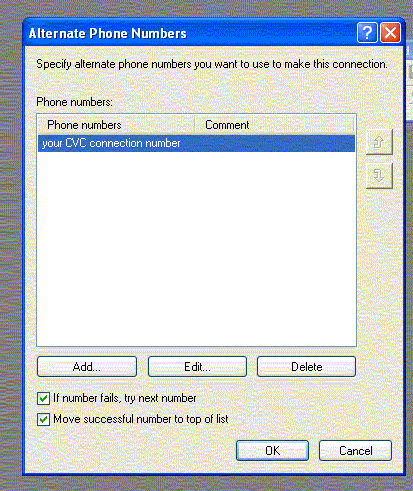
In the "Alternate Phone Number's" screen, select the following options (see example below):
"If number fails, try next number"
"Move successful number to top of list"
In the "Phone number" section (in the "Alternate Phone Number" screen), click on the "Add" button.